🛠️ Target Audience
This page suits digital designers, makers, and students.
It will resonate with those interested in:
- open source software;
- instrumental skills; and
- honest, accessible narrative.
🗂️ Introduction
The medium offers these features:
- reverting;
- modifying;
- palettes;
- layering; and
- sharing.
Drawing is a form of artistic expression. It entails utilising tools to make marks on a flat surface. Traditional media like pencils and charcoal have long been used. But nowadays I employ digital tools. These are a pen display and graphic design software.
My background in science included:
- sketching;
- mapping; and
- programming.
Now I create art using digital tools. The Graphical User Interface is the GUI. It has transformed creativity. That's by bridging technical processes and creative expression.
I first bought a Sharp PC-1500 pocket computer. It had a plotter. So I could create graphs.
I next bought an Apple Macintosh 128K. That was a desktop personal computer. It featured a graphical interface. I used it with an Apple ImageWriter. Which was a dot matrix printer. An artist friend used this equipment to draw bitmaps.
I don't only use a mouse for spatial input. As now I also use a stylus.
I utilise layering techniques. And each piece of my digital artwork is unique.
First I worked with raster graphics. The software was MyPaint. Since then, I've moved beyond it. Now I use vector graphics. Which represents geometric shapes. The software is Inkscape. Raster and vector are different. Raster uses pixel grids. Whereas vector employs mathematical paths.
▦ Raster Graphics
A raster image is a pixel array. Most Internet images are raster.
Common formats are:
- JPEG;
- PNG; and
- GIF.
Raster images are fundamental for digital painting.
Their advantages are:
- detailed representation;
- software compatibility;
- editing flexibility; and
- compression capabilities.
The limitations are:
- scaling challenges; and
- large file sizes.
📐 Vector Graphics
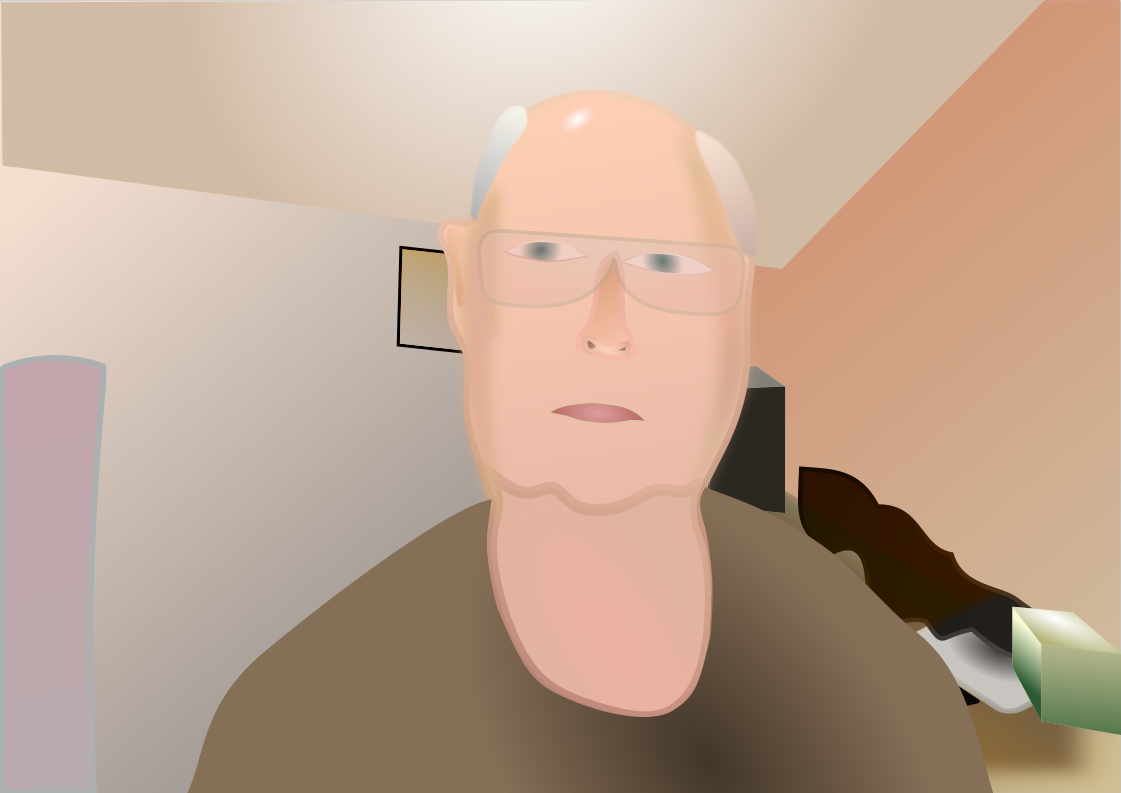
Vector images are made of mathematical shapes. Scalable Vector Graphics (SVG) uses shapes, paths, text, and styles. Vectors are graphic representations. They can be used as visual elements.
The following are geometric primitives:
- points;
- lines;
- paths
- polygons;
- rectangles;
- ellipses;
- arcs;
- Bézier curves; and
- splines.
Points, lines and curves are fundamental geometric objects. Joining line segments forms a polygon.
Commands:
- define a primitive;
- specify coordinates; and
- set additional properties.
These components are simple. That enables creating clean and scalable illustrations. Vector graphics are scalable. They are suited to printing.